> ## Documentation Index
> Fetch the complete documentation index at: https://docs.textql.com/llms.txt
> Use this file to discover all available pages before exploring further.

# Module 1 · Your First Question

> Start with something you’d normally ask an analyst. (~15 min)

## 1.1 · Ask a simple, concrete question

Start with something you'd normally ask an analyst.

```text Prompt theme={null}
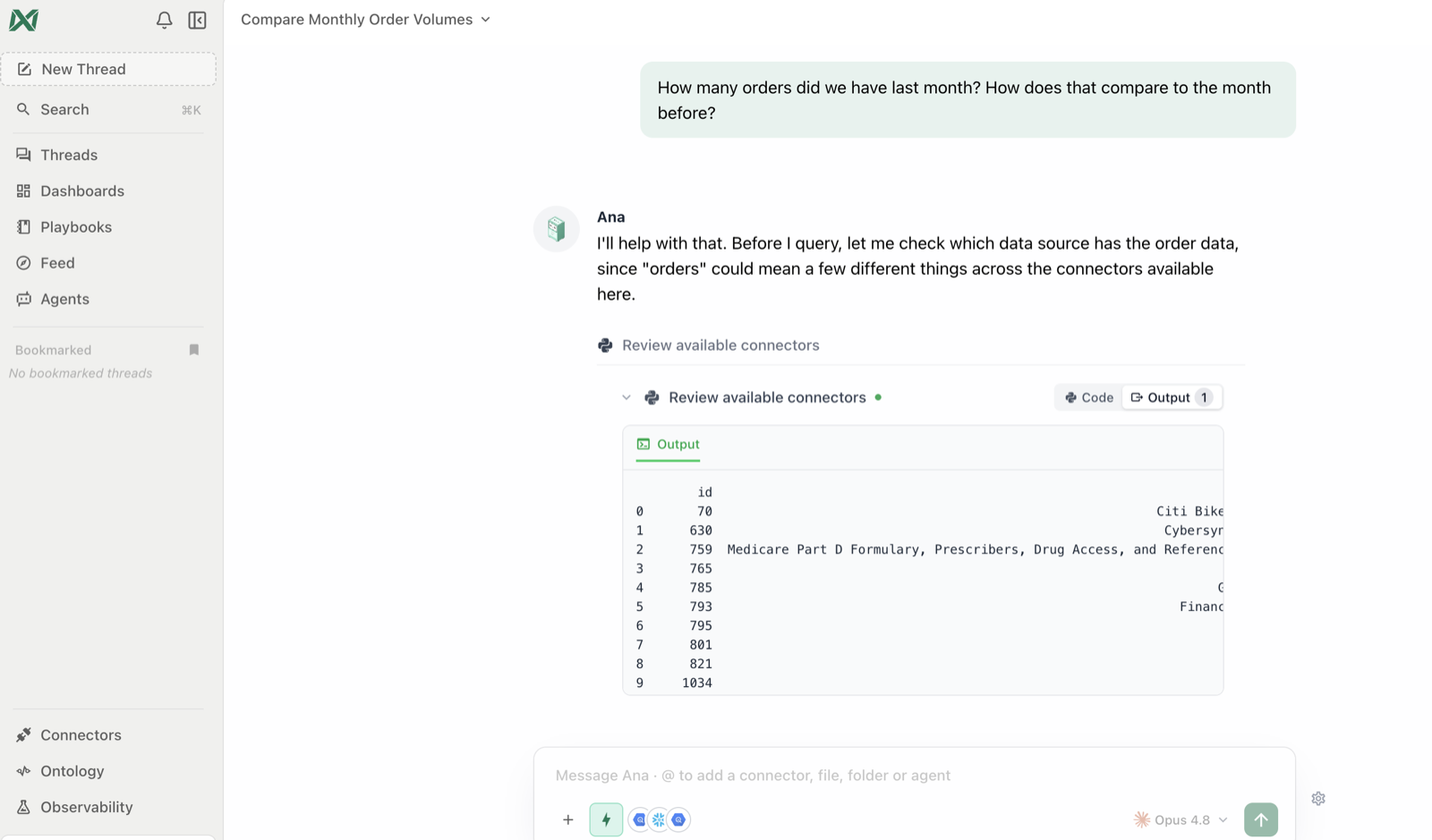
How many [orders / signups / tickets / sessions] did we have last month? How does that compare to the month before?
```

<Check>
  **You'll see:** Ana find the right table on her own, write and run the query, and answer with the numbers plus the month-over-month change. Tool steps appear as collapsed cells — expandable, but optional.
</Check>

<Frame caption="The answer in plain English — with Ana's working steps collapsed above it.">
  <img src="https://textqllabs.github.io/workshops/self-service-analytics/assets/m1-first-answer.png" alt="Ana answering a first question" />
</Frame>

## 1.2 · Refine it — a conversation, not a query builder

You don't have to get the question perfect on the first try. Follow up naturally.

```text Prompt theme={null}
Break that down by [region / product / channel / team]. Which one drove the change?
```

<Check>
  **You'll see:** Ana reuse the context from the previous answer — no restating — and return a breakdown with the main driver called out.
</Check>

## 1.3 · Ask a vague question on purpose

Real questions are fuzzy. Watch how ambiguity is handled.

```text Prompt theme={null}
Are we doing well this quarter?
```

<Check>
  **You'll see:** one of two good behaviors — Ana either asks **which metric you mean** (revenue? volume? retention?), or states the assumption she's making before answering. Both are correct: ambiguity gets surfaced, not silently guessed.
</Check>

## 1.4 · Ask something the data can't answer

Trust also means knowing the limits.

```text Prompt theme={null}
What was our customer satisfaction score in 2015?
```

<Check>
  **You'll see:** Ana typically says plainly what's missing and what *would* be needed, rather than inventing a number. If she does return an answer, that's your cue for the most important skill in this workshop: ask *"what data did you use for that?"* — verifying is Module 2's whole job.
</Check>

## 1.5 · The question patterns that work best

<table>
  <tr><th>Pattern</th><th>Example</th></tr>
  <tr><td>**Measure + time window**</td><td>"Revenue in Q1 2026"</td></tr>
  <tr><td>**Comparison**</td><td>"…compared to Q4 2025"</td></tr>
  <tr><td>**Breakdown**</td><td>"…by region"</td></tr>
  <tr><td>**Ranking**</td><td>"Top 10 customers by spend this year"</td></tr>
  <tr><td>**Trend**</td><td>"Weekly active users over the last 6 months"</td></tr>
  <tr><td>**Filter**</td><td>"…for the Enterprise segment only"</td></tr>
  <tr><td>**Why**</td><td>"Why did churn spike in March?"</td></tr>
</table>

Stack them: *"Top 5 products by revenue this quarter vs last, Enterprise only — and why did the leader change?"*

### ✅ Checkpoint

* [ ] You got a correct answer to a concrete question about your data
* [ ] You refined it with a follow-up without restating the original question
* [ ] Ana clarified or stated an assumption on a vague question
* [ ] Ana declined to invent an answer when data was missing