

https://app.textql.com/mcp — to any MCP-compatible client. Each client authorizes once over OAuth, then connects headlessly.
Setup
- Claude Web
- Cursor
- Windsurf
- Claude Code
- ChatGPT
- Microsoft Copilot
- Go to Claude.ai → Settings → Integrations
- Click Add MCP Server
- Enter
https://app.textql.com/mcpas the server URL - Name it
anaand save
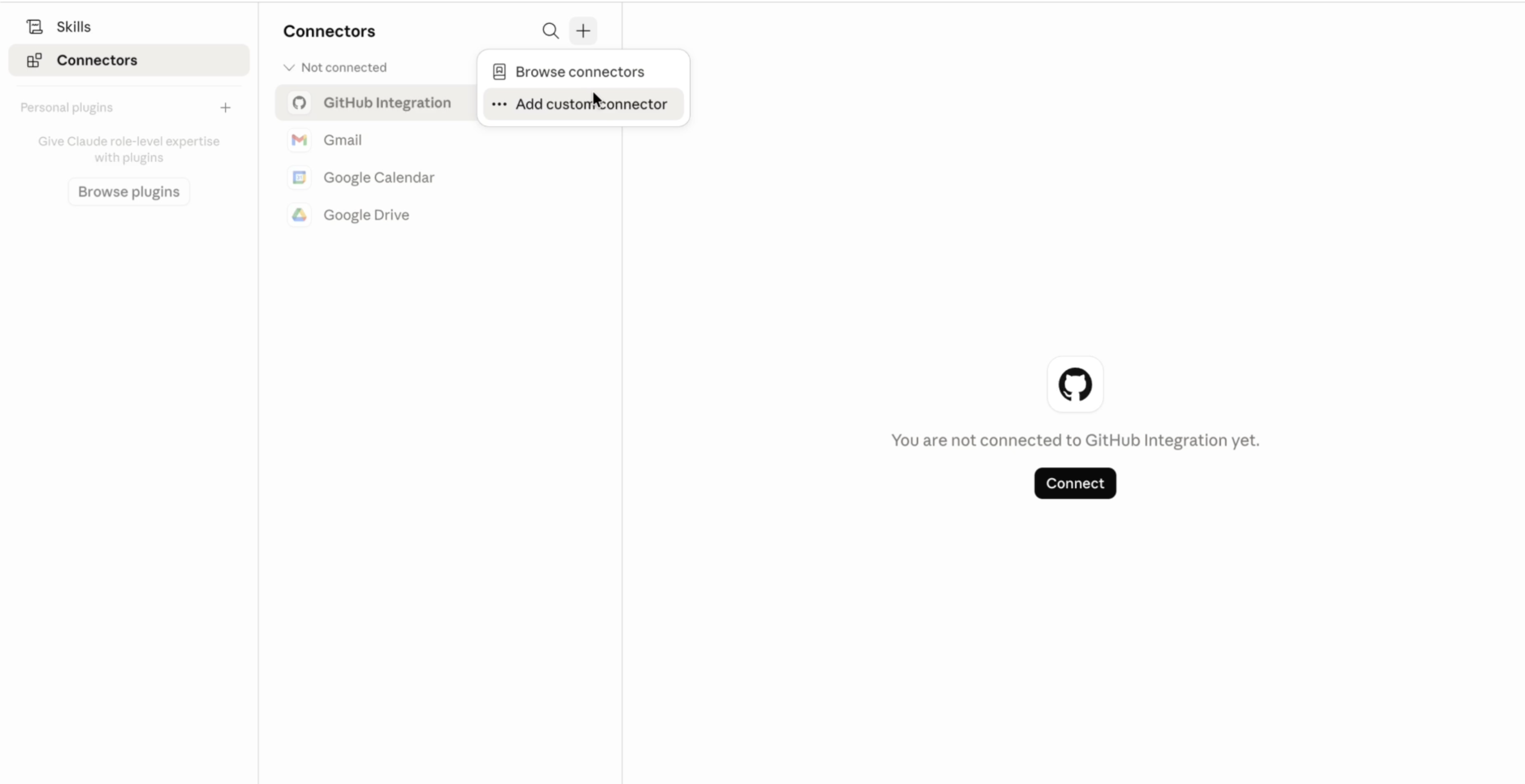
Setting Up Ana MCP in Claude Web
ask_question.First-Time Authorization
The first time your client calls Ana, you’ll be redirected to the TextQL UI to complete a one-time OAuth authorization. This connects your TextQL identity to your MCP client — Ana knows which connectors and Ontology to use for your queries.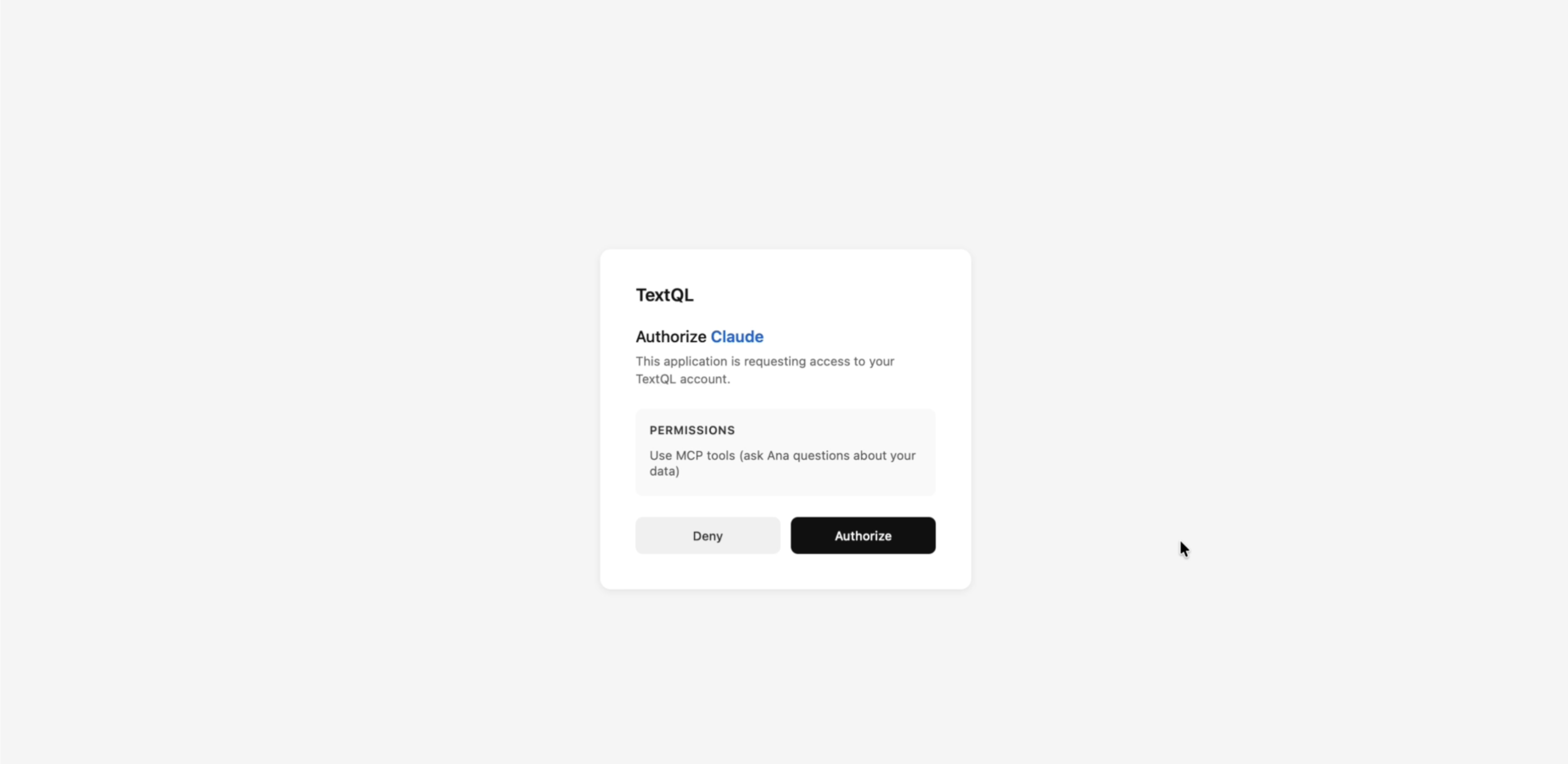
Authorizing TextQL in Claude