

2.1 · Connect the ontology repo to Ana
This is the key step. In TextQL, add a Git connector and point it at your fork of the starter repo (TextQLLabs/ontology-starter-kits/tree/main/wealth — no fork yet? Ask your TextQL contact; it takes minutes). Because the ontology is git-backed, Ana now has the entire model — every metric definition, every note, every classification rule — as a reference she reads on demand.
No second source of truth — You don’t copy anything into Ana. She reads the repo live; when the repo changes, Ana sees the change.
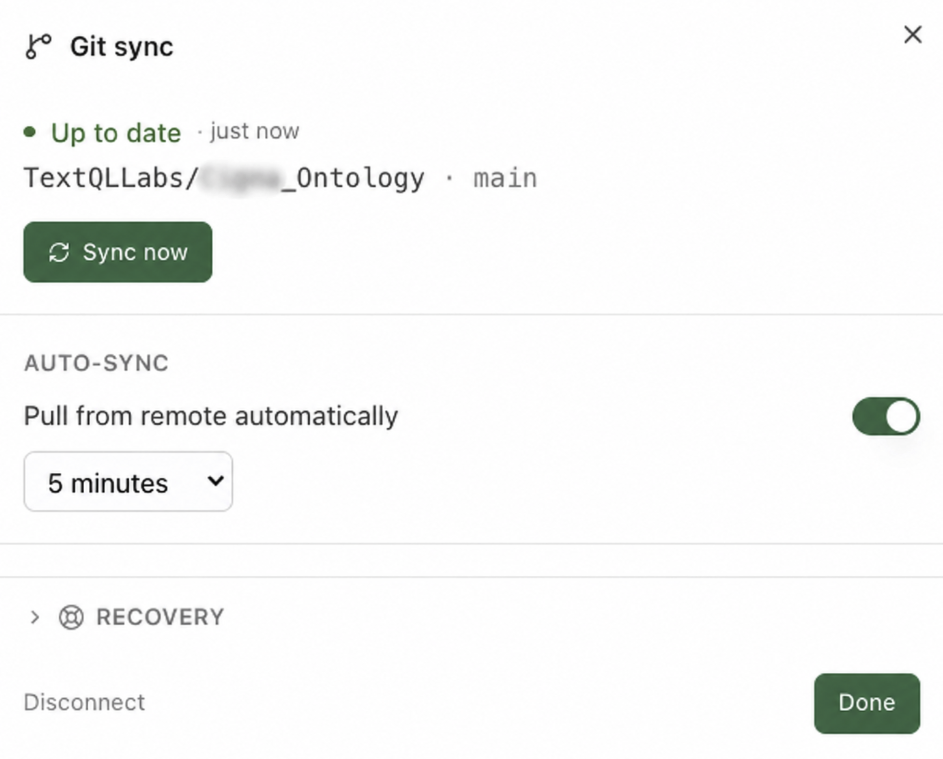
The ontology repo connected — Ana reads it as ground truth.
2.2 · Connect your data warehouse
Add the connector for the warehouse holding your custody / portfolio-accounting data (Redshift, BigQuery, Snowflake, Databricks…). Read-only access is enough — and it’s the norm: firms don’t want analytics artifacts written into the system of record.2.3 · (Optional) Bring in your documents
Your real-world context — IPS templates, the metrics wiki, the spreadsheet where someone defined “managed AUM,” dbt models, LookML — often lives in messy files. Upload them in chat, connect Google Drive, or connect SharePoint/OneDrive. Ana reads them alongside the ontology and can fold what she learns into the model. This is corpus, not migration.2.4 · Say hello
Prompt
You’ll see: Ana describe the model from the repo itself — proof the Git connector works and the ontology is being read as ground truth.
✅ Checkpoint
- Ana described the starter’s entities and metrics from the connected repo
- Your warehouse connector is attached, read-only, and in your contracted region
- You know which of your documents you’ll bring in (or that you’re skipping this)