

1.1 · Ask a simple, concrete question
Start with something you’d normally ask an analyst.Prompt
You’ll see: Ana find the right table on her own, write and run the query, and answer with the numbers plus the month-over-month change. Tool steps appear as collapsed cells — expandable, but optional.
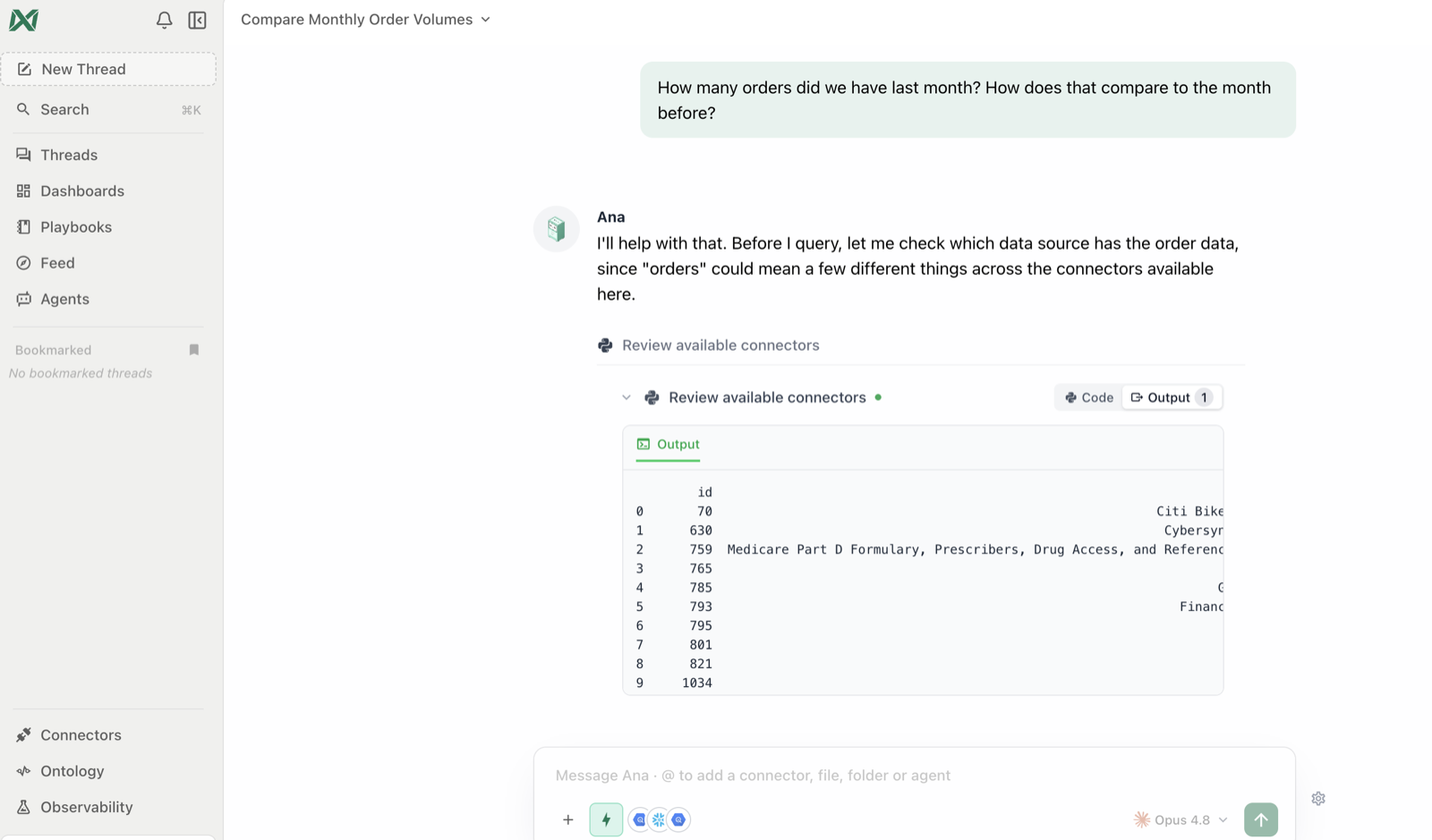
The answer in plain English — with Ana's working steps collapsed above it.
1.2 · Refine it — a conversation, not a query builder
You don’t have to get the question perfect on the first try. Follow up naturally.Prompt
You’ll see: Ana reuse the context from the previous answer — no restating — and return a breakdown with the main driver called out.
1.3 · Ask a vague question on purpose
Real questions are fuzzy. Watch how ambiguity is handled.Prompt
You’ll see: one of two good behaviors — Ana either asks which metric you mean (revenue? volume? retention?), or states the assumption she’s making before answering. Both are correct: ambiguity gets surfaced, not silently guessed.
1.4 · Ask something the data can’t answer
Trust also means knowing the limits.Prompt
You’ll see: Ana typically says plainly what’s missing and what would be needed, rather than inventing a number. If she does return an answer, that’s your cue for the most important skill in this workshop: ask “what data did you use for that?” — verifying is Module 2’s whole job.
1.5 · The question patterns that work best
| Pattern | Example |
|---|---|
| Measure + time window | ”Revenue in Q1 2026” |
| Comparison | ”…compared to Q4 2025” |
| Breakdown | ”…by region” |
| Ranking | ”Top 10 customers by spend this year” |
| Trend | ”Weekly active users over the last 6 months” |
| Filter | ”…for the Enterprise segment only” |
| Why | ”Why did churn spike in March?” |
✅ Checkpoint
- You got a correct answer to a concrete question about your data
- You refined it with a follow-up without restating the original question
- Ana clarified or stated an assumption on a vague question
- Ana declined to invent an answer when data was missing