

What Ontology Contains
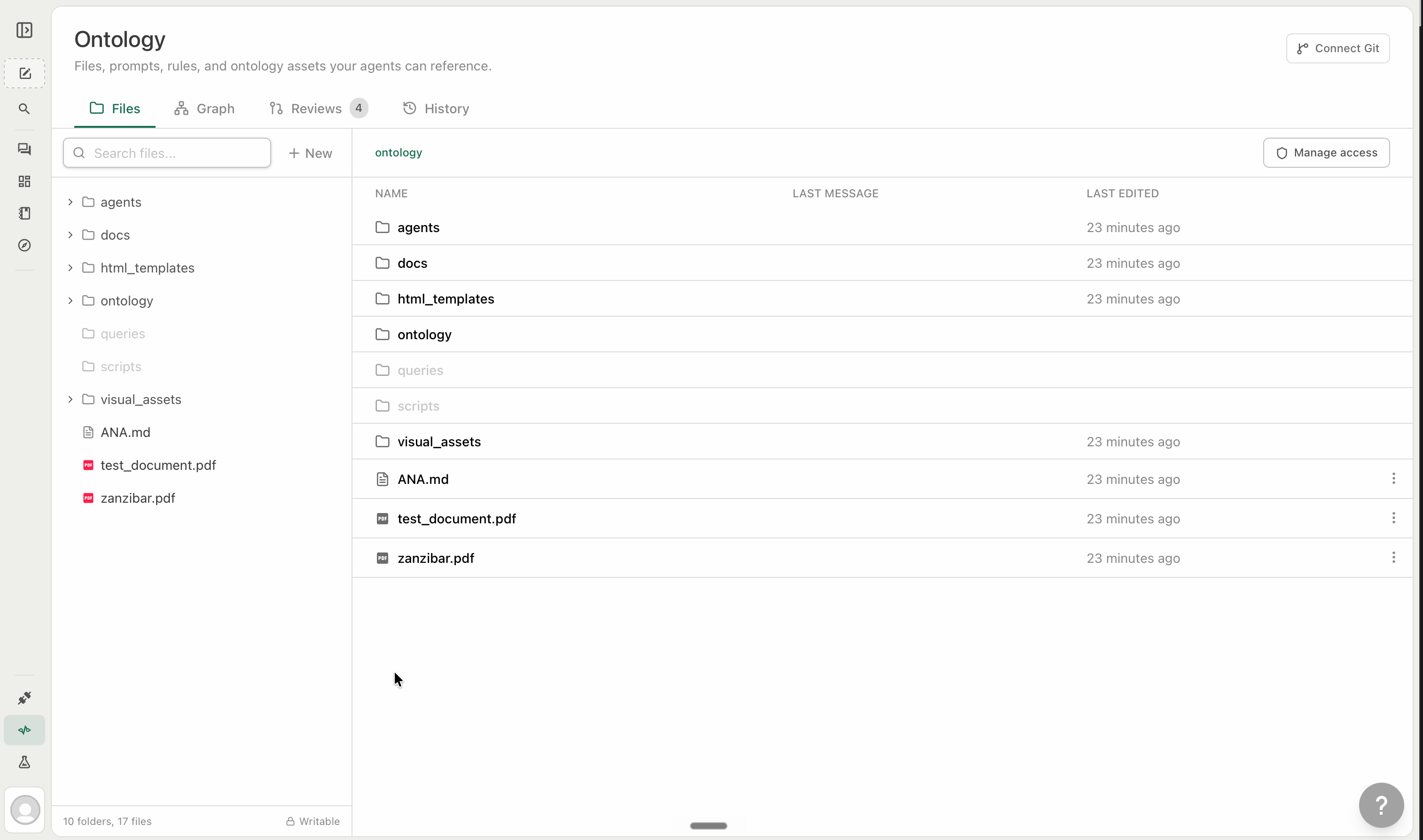
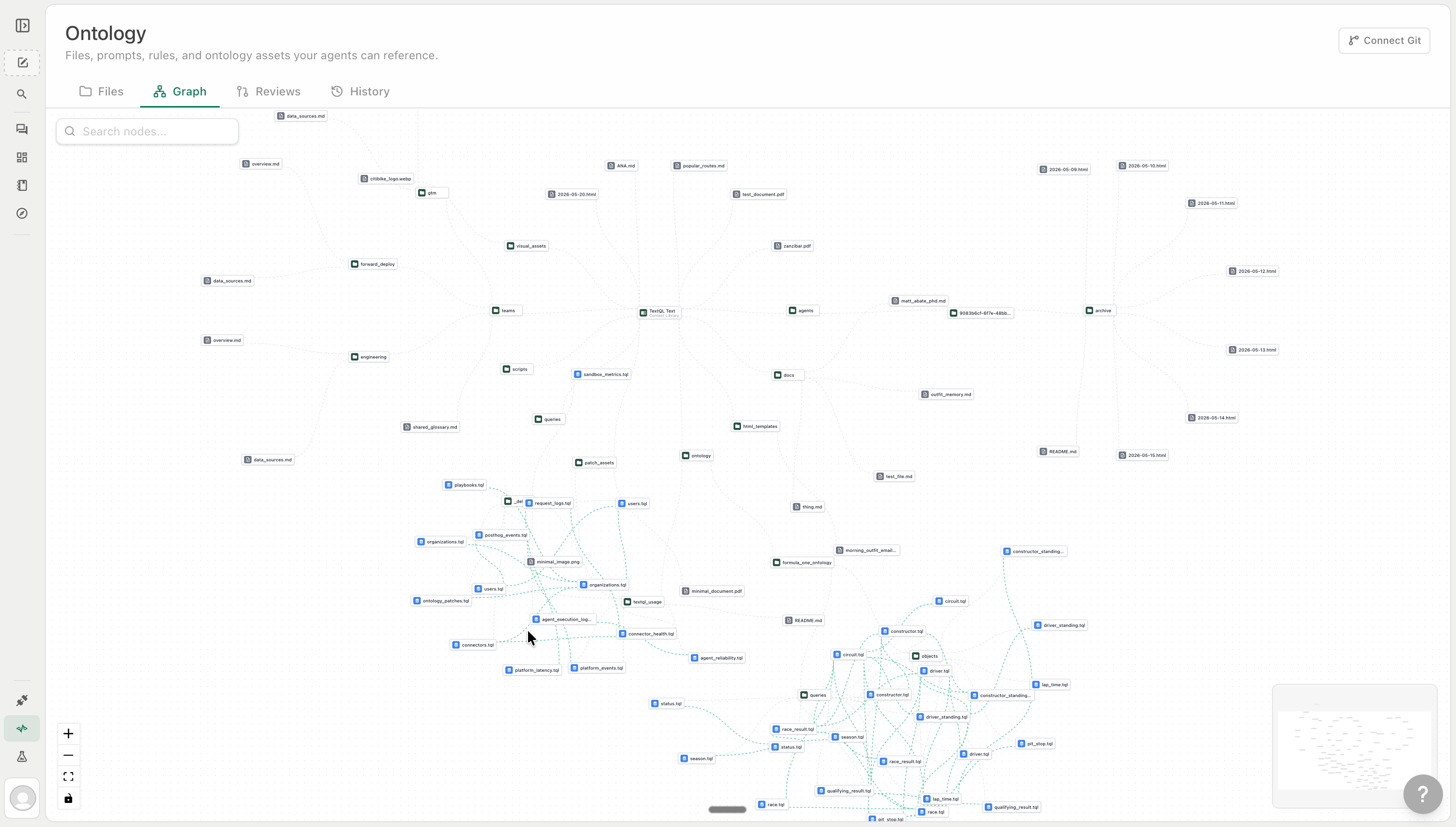
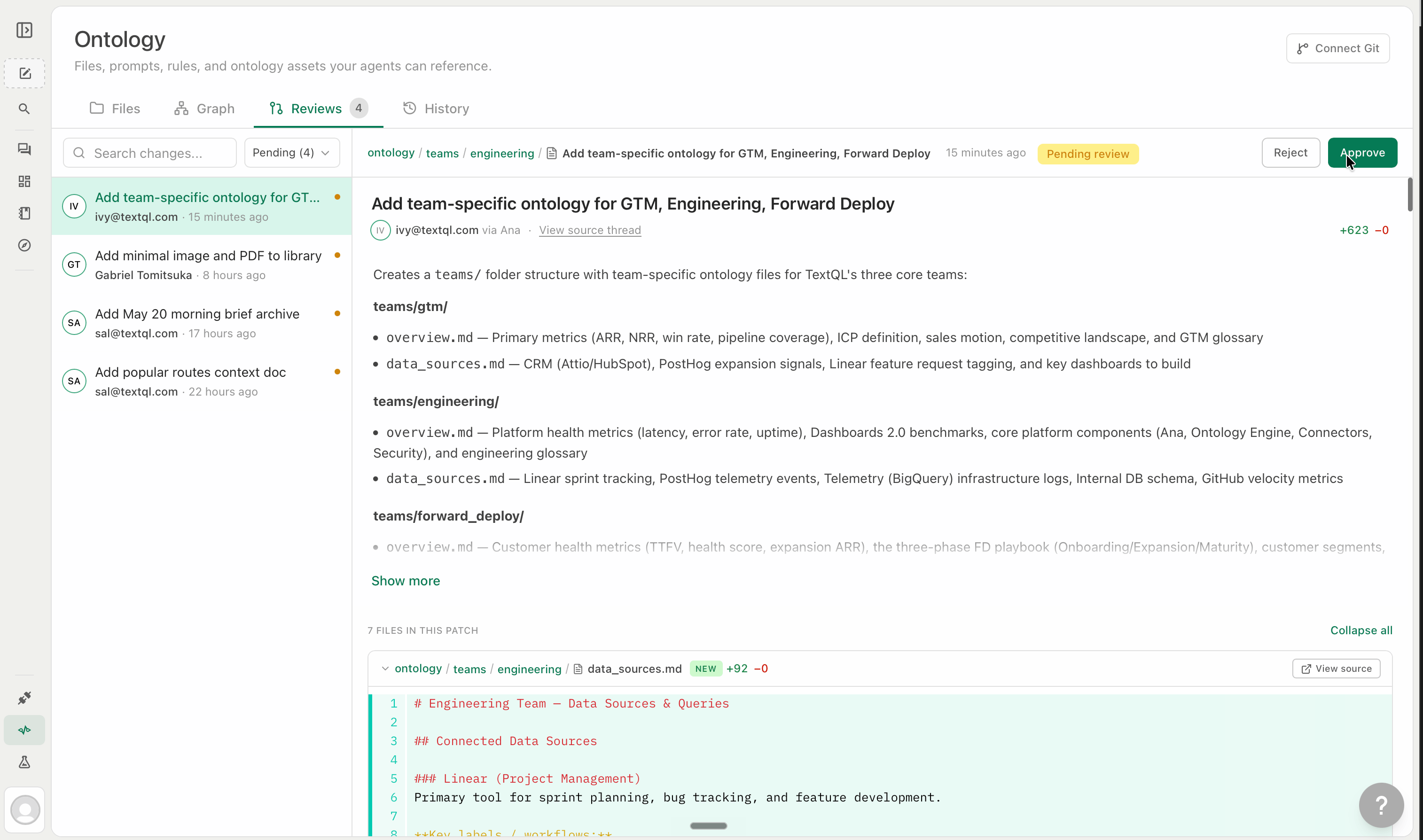
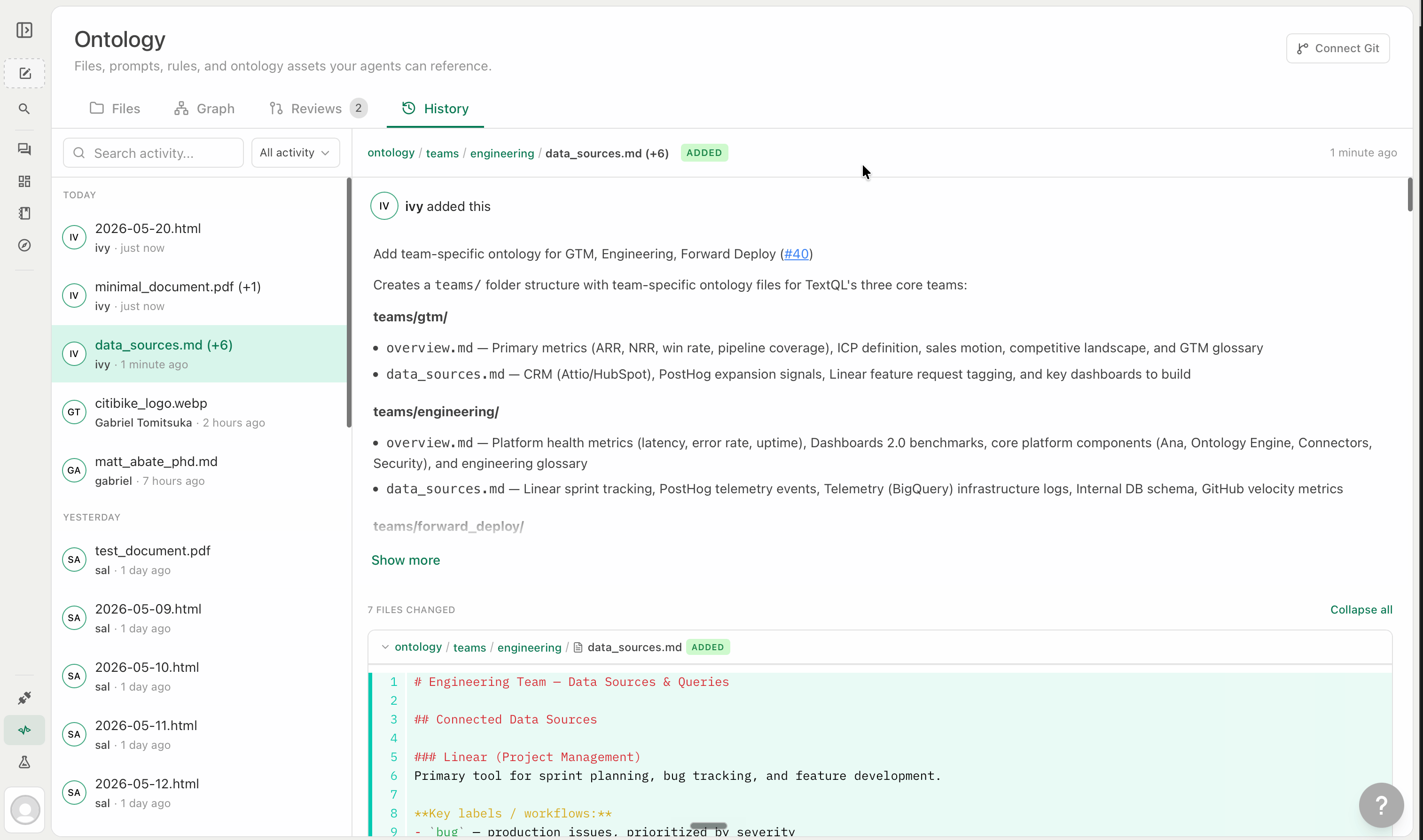
Everything in the ontology is a file. The four tabs in the ontology editor — Files, Graph, Reviews, and History — are different views into and controls over that file system, not separate systems.- Files
- Graph
- Reviews
- History
The Files tab is your ontology’s file system — folders, subfolders, and files organized however your organization thinks. A good mental model is a well-structured GitHub repository: top-level folders by team or domain, each with a clear and single purpose, nested only where the added structure is genuinely useful.
- Organize around retrieval, not taxonomy. Structure folders around when Ana needs the content, not what it is.
Finance/should hold everything relevant to a finance-context question — fiscal calendar, revenue rules, exclusion logic — not just “finance documents.” Ana navigates by context; folder structure is her routing layer. - One topic per file. A focused
revenue-definition.mdis more useful than afinance-misc.mdthat grows unbounded. Atomic files are easier to version, permission, and retrieve — and Ana loads exactly what she needs rather than a file that’s 80% irrelevant. - Index every folder. A short
README.mdat the top of each folder — what’s here, when to use it — lets Ana navigate a large ontology without loading every file inside it. This is what keeps the system fast at scale. - Treat it like code: stale definitions cause real errors. Unlike human-facing docs that get skipped, Ana follows instructions precisely. An outdated revenue definition will produce wrong numbers silently. Update the ontology when business logic changes, and use the History tab to track what changed and when.
Why Use Ontology
Consistency at the definition level. Business logic encoded in the ontology is computed, not guessed. The same question asked by ten people produces the same SQL and the same number. This is the core problem most organizations have at scale — not that the data is wrong, but that there are five versions of every metric in circulation. Ana operates on your model, not the raw schema. Without ontology, Ana reasons from table and column names and makes probabilistic joins. With ontology, she navigates a defined graph of objects and relationships. The query space collapses from “any SQL that could work” to “the SQL that matches your model.” Role-level access built into the layer. Folder-level access determines which files Ana loads for which users. Ontology respects your access model — Ana will not reference data or definitions a user does not have visibility into. See Role & Access for configuration details. Faster answers. Ana doesn’t need to reverse-engineer your data model on every question. She already knows how your tables connect, what your metrics mean, and what to exclude. The time spent figuring out schema is replaced by time spent on the actual analysis. Persistent, not per-session. You define it once. It applies across every Thread, every playbook, and every feed agent without re-attaching or re-explaining. It compounds over time. Every Thread is an opportunity to push institutional knowledge back into the layer. When Ana figures out how your team calculates churn, surfaces a non-obvious join condition, or works out a fiscal calendar edge case — that insight can be proposed back as a diff, reviewed, and committed. The ontology is a living document: it starts with what you know and grows from what Ana learns, making every subsequent analysis sharper than the last.What You Can Encode in Ontology
Most of what you build will be Markdown. Reach for
.tql when a definition needs to be compiled into SQL, not just described. See Ontology Query - .tql Files for the full breakdown of objects, metrics, links, and TQL syntax.
Building Your Ontology
There are three ways to populate the ontology — all give you access to the same full feature set:- Connect a GitHub repository — bidirectional sync with your existing documentation, metric definitions, and
.tqlfiles. Changes flow in both directions. - Create files directly in TextQL — built-in editor, no Git setup required.
- Build through Threads — ask Ana to save what she learned from an analysis, review the proposed diff, and approve it in.
ANA.md — is automatically loaded into every Thread for every user the moment you name it that way.
How Ana Loads Ontology
Ana does not load the entire ontology into every conversation. She navigates it — pulling in only what is relevant to the current question, the user’s role, and the active connector. Some files are auto-attached and always load (scoped by role, by connector, or universally). Most are on-demand: Ana finds them by following navigation pointers you write intoANA.md or folder-level index files. This is what lets the ontology scale to hundreds of files without context bloat. Graph definitions in .tql are compiled directly into queries — there is no retrieval step. See Dynamic Loading for auto-attach configuration and on-demand loading patterns.